Google Flow, called from code, not from a browser tab.
51 MCP tools on top of Google Flow: images, video, music, characters, upscaling. Installs in Claude Code, Cursor, Codex — the agent calls a function, you see the frame.
What the service sees and stores

How MCP works inside agents
a photo panel materialising out of a glowing green neon ring on a white pedestal, bright futuristic lab, sunlit skyline behind glass
Using Nano Banana 2, landscape orientation — the scene is wide and interior.
generate_image({
  prompt: "a photo panel materialising out of a glowing green neon ring on a white pedestal, bright futuristic lab",
  model: "BELUGA",
  aspect: "IMAGE_ASPECT_RATIO_LANDSCAPE"
})
// BELUGA = Nano Banana 2, дефолтная модель
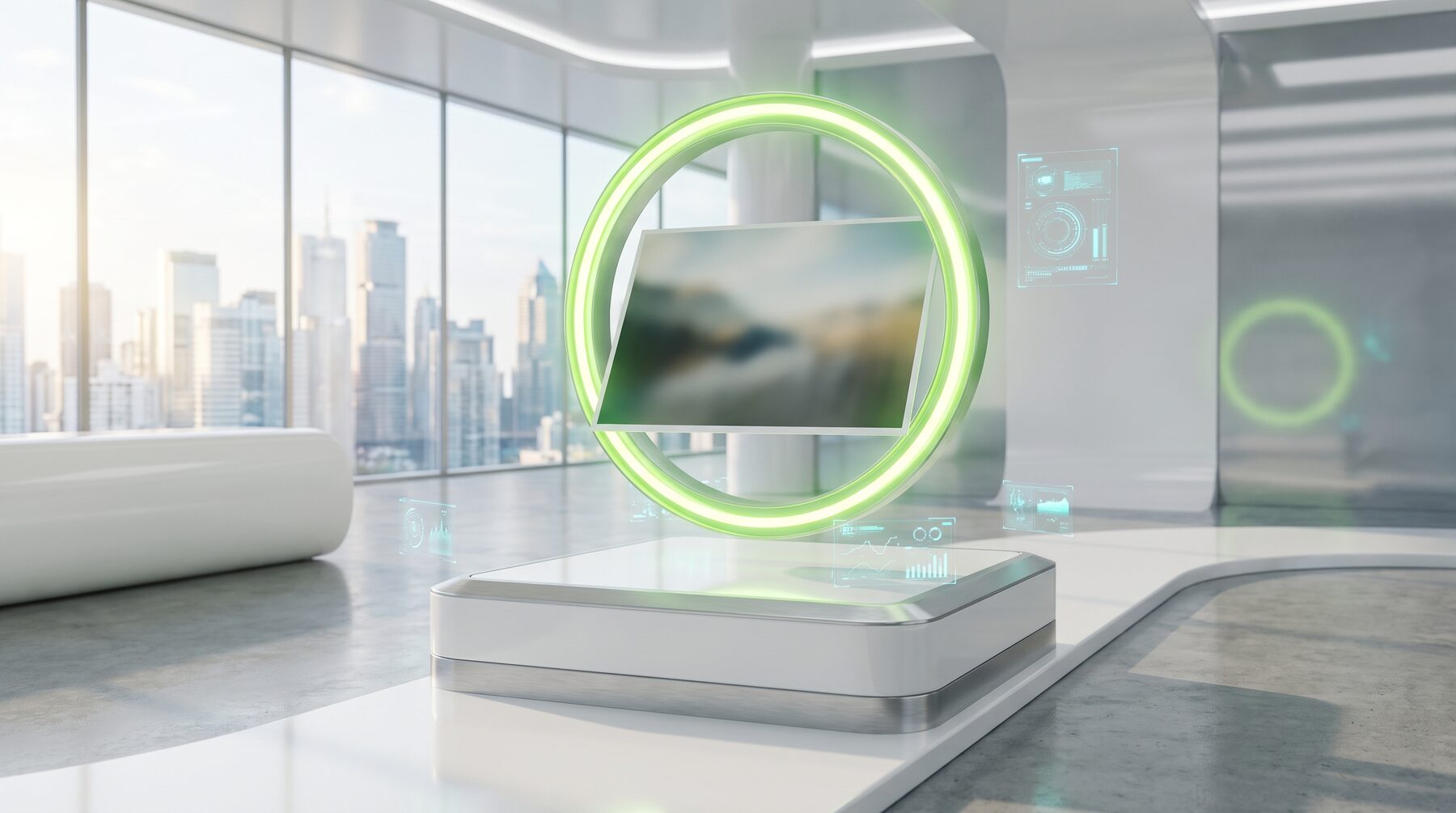 the frame came back into the chat as an image, a link and a media_id
good, now the same frame vertically — for stories
Same prompt, only the orientation changes — Google charges no credits for images, so trying variants costs nothing.
generate_image({ prompt: "…тот же промпт", aspect: "IMAGE_ASPECT_RATIO_PORTRAIT" })
the frame from the previous tab is attached — the very one generate_image returned
animate this frame: the camera slowly moves forward, the ring pulses, the panel settles into place
Using the frame as a start, animating with i2v on the light Veo model.
generate_video_from_image({
  prompt: "camera pushes slowly forward, the neon ring pulses, the panel drifts and settles",
  start_image_base64: "<кадр из прошлого вызова>",
  video_model_key: "veo_3_1_t2v_lite",
  aspect: "VIDEO_ASPECT_RATIO_LANDSCAPE"
})
// veo_3_1_t2v_lite — 10 кредитов, реальный тариф модели
Done — the clip came back as an mp4 link and a media_id, the frame is viewable right in the chat.
now the same one, but vertical — for reels
generate_video_from_image({ /* тот же кадр и промпт */ aspect: "VIDEO_ASPECT_RATIO_PORTRAIT" })
make a character: a stylised 3D mascot in a white suit with green accents — I want to reuse it in other scenes
Creating the character card, then keeping the silhouette consistent across new scenes.
create_character_from_description({
  name: "lab_bot",
  description: "a stylised 3D mascot in a white suit with green accents",
  account: "op_main",
  model: "BELUGA"
})
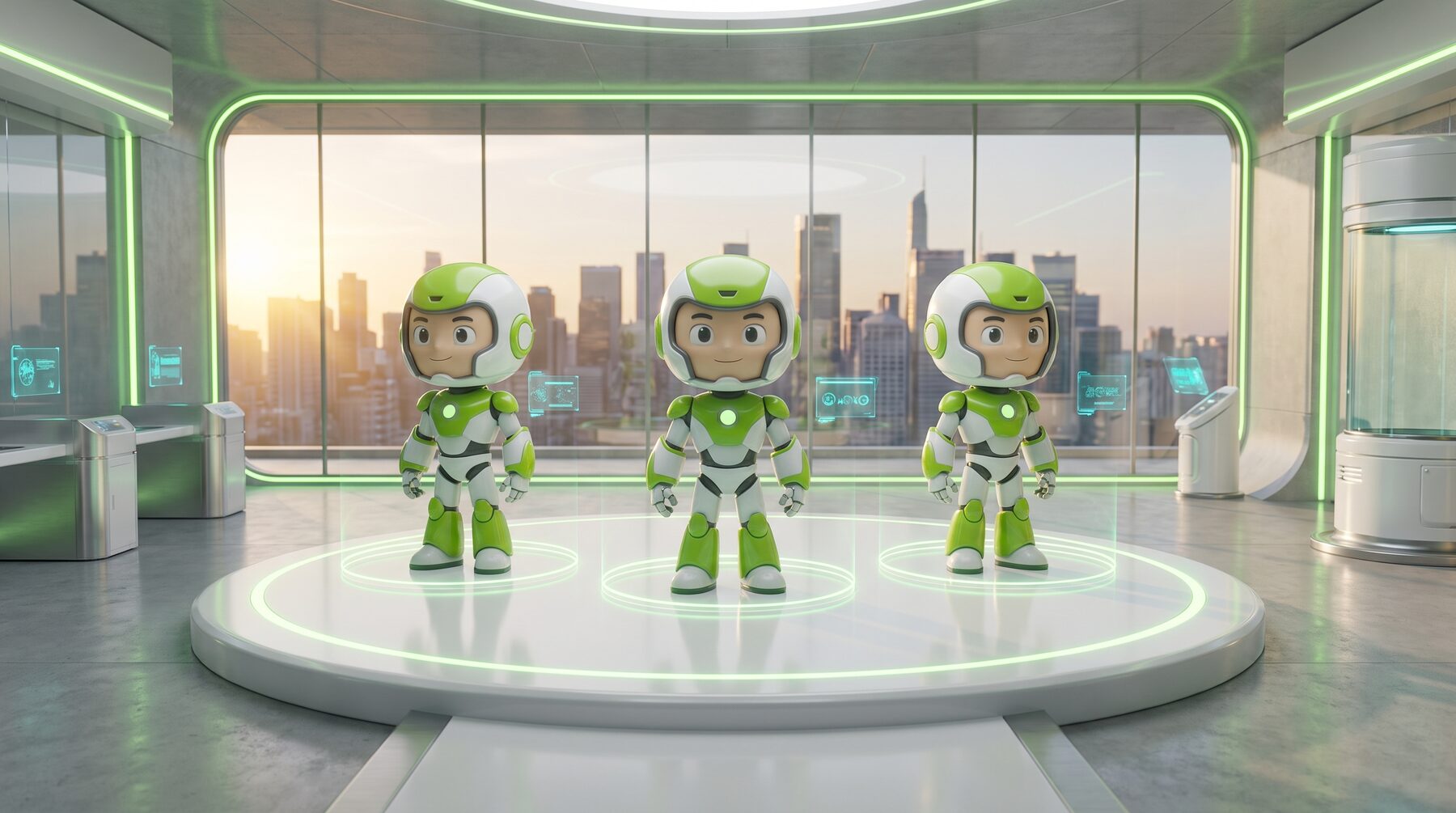 the lab_bot card is created, the reference frame is saved
now the same one, from three angles on a turntable
New scene, same character: I pass the card instead of describing it again.
generate_with_face({
  character: "lab_bot",
  prompt: "same mascot, now three of him on a white podium under green rings"
})
take this lab frame up to 2K — it goes to print
Through the same Flow download panel as the interface — 1K/2K/4K.
upscale_image({
  media_id: "<id кадра из прошлого вызова>",
  account: "op_main",
  target_resolution: "2K"
})
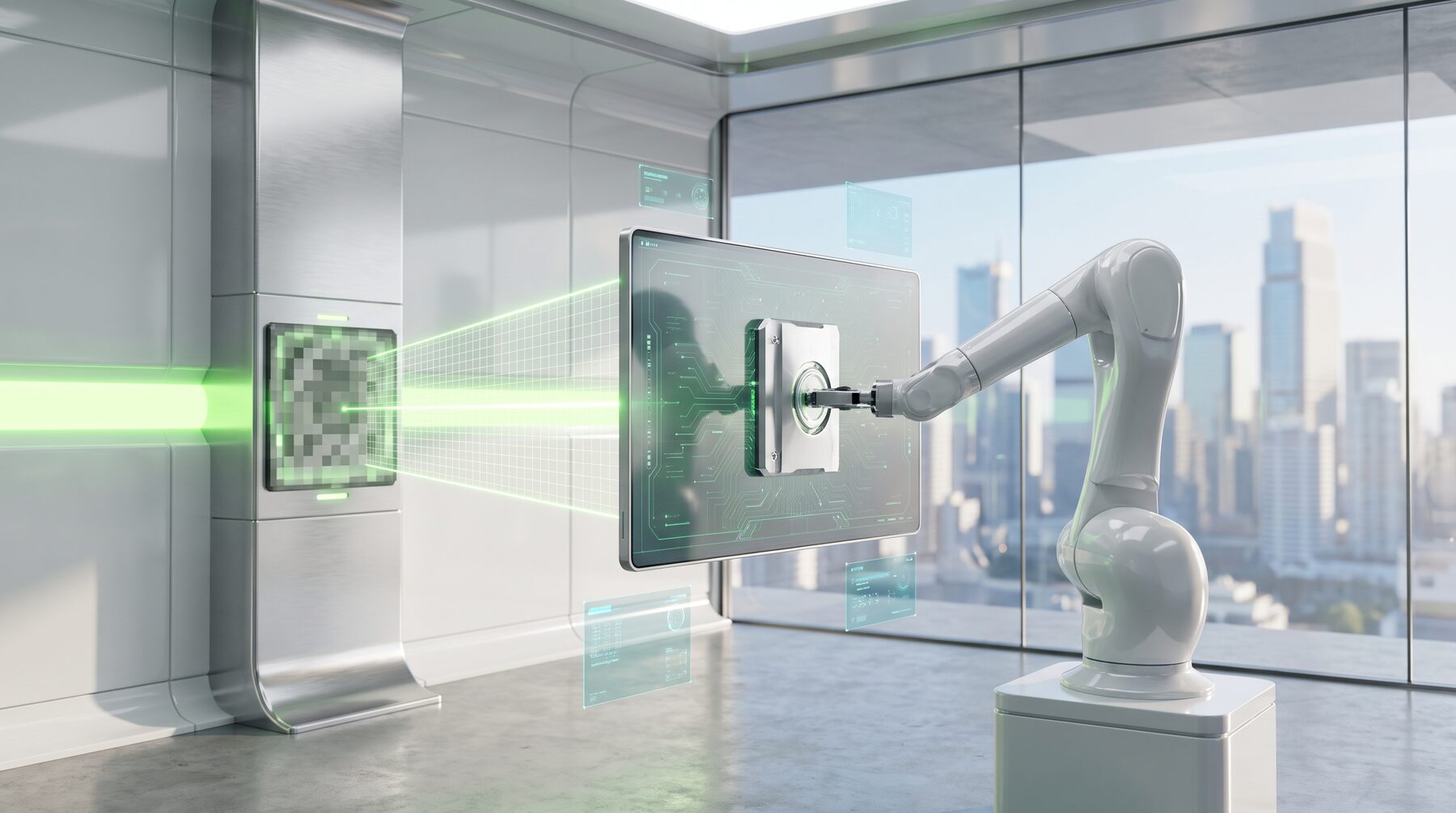 a 2K file and a media_id came back — the original frame stays where it was
can we do 4K?
Not on this account: 4K isn't open to every farm-account tier. The server refuses right away and no credits are spent.
need a track for a cut: synthwave, retro 80s, no vocals
I'll use Lyria. It returns two takes — pick one.
music_generate({
  prompt: "dreamy synthwave, retro 80s, 110 bpm, instrumental",
  model: "lyria"
})
Done, two tracks around 2:40. Saved both to ./media — the second one is closer to what you described.
split it into stems, I need the drums on their own
music_stems({ clip_id: "<id трека>" })
Showcase
The showcase is empty for now — it will fill up after the next publication.
51 MCP tools
Image
Video
Characters
Voice
Music
LLM
Infrastructure
Setup
Add the server
One command in the terminal where Claude Code runs:
claude mcp add --scope user --transport http openflow https://openflowmcp.com/mcp \
  --header "Authorization: Bearer <YOUR_KEY>"
In the Claude for Mac app no command is needed: Settings → Connectors → Add custom connector → paste this URL.
Access key
The key is issued right after you sign in and is shown once. Put it into the command in place of <YOUR_KEY>.
Grab a key in your account and send it as the Authorization: Bearer header — your account
or let the agent issue one itself, no browser:
curl -sX POST https://openflowmcp.com/register \
  -H "Content-Type: application/json" -d '{"name":"me"}'
Connect your Google and generate
Tell the agent “connect my Google account” — it runs the login on your machine, the password never reaches the server. Then just ask for images, video and music.
Pricing
Free
- 200 images and 3 videos a week
- the counter resets every Monday at 00:00 UTC
- only your Google credits are spent
Subscription
- images and video with no weekly limit
- from $5/mo when paid annually
- Veo 3.1 Lite — 10 credits per clip
FAQ
Can you see my Google password?
No. Login happens in the browser on your machine, only tokens go to the server.
Is this a resale of Google's generations?
No. Your account, your credits. Subscription is for infrastructure.
How much does it cost?
Free: 200 images and 3 videos a week, reset every Monday. A subscription removes the limit.
What ends up in the showcase on the site?
Only generations with explicit consent for publication.
Which clients are supported?
Any MCP client: Claude Code, Codex, Cursor, mcp.json.
What if my Google account hits a limit?
Rotation between accounts is automatic.